
How to Apply Ayushman Bharat West Bengal has started implementing the Ayushman Bharat PM-JAY scheme, and eligible residents can now begin registration and Ayushman card generation.
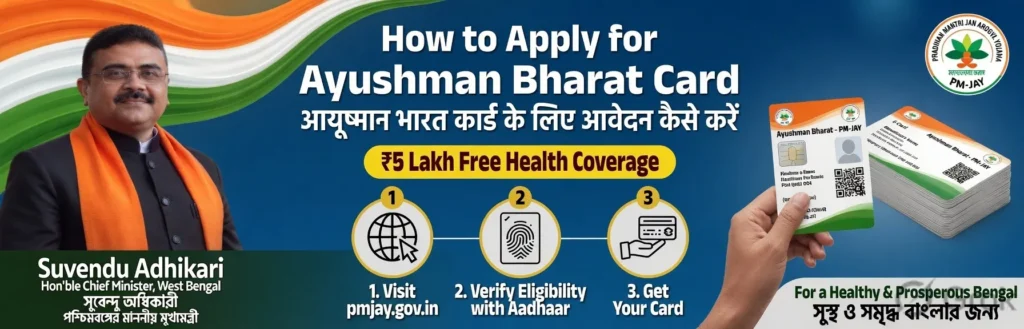
Online Apply Ayushman Bharat West Bengal (Official Portal)
Step 1: Open the official portal
Go to:
Ayushman Bharat Beneficiary Portal
Step 2: Login with mobile number
- Select “Beneficiary”
- Enter your mobile number
- Complete CAPTCHA
- Verify with OTP
Step 3: Search your details
Choose:
- State: West Bengal
- Scheme: PMJAY
- District
Search using:
- Aadhaar Number
- Family ID
- Ration Card
- Name
Step 4: Complete e-KYC
If eligible:
- Click “Do e-KYC”
- Verify Aadhaar using OTP
- Allow consent
- Upload/live capture photo
Step 5: Submit & Download Card
After approval:
- Status becomes Approved
- Download digital Ayushman card
Apply Ayushman Bharat Mobile App
Download the official app:
- Ayushman App – Android
- Ayushman App – iPhone/iOS
App Process
- Login with OTP
- Select West Bengal
- Search beneficiary
- Complete Face/Auth or Aadhaar e-KYC
- Download card
Ayushman Bharat Offline Application
You can also apply through:
- CSC centres
- Government camps
- Empanelled hospitals
- Ayushman Mitra help desks
Carry:
- Aadhaar card
- Mobile number
- Ration card
Ayushman Bharat Eligibility
You may qualify if:
- Your family appears in PM-JAY beneficiary data
- You belong to eligible rural/urban categories
- You are a senior citizen aged 70+
Important Tips
- Registration is officially free
- Aadhaar-linked mobile number is very important
- Use only official portals
- Some users recently reported portal/app issues like CAPTCHA problems, so CSC centers can help if online verification fails.
Ayushman Bharat Official Websites
Ayushman Bharat Helpline Numbers
- 14555
- 1800-111-565
If you want, I can also help with:
- Ayushman card download steps
- Eligibility check guide
- Hospital list in West Bengal
- Bengali application guide
- Common rejection problems & solutions